Glitch effects for album cover artwork
Use Block Displacement to interrupt a cover image’s structure, then add Digital Noise for texture. A clear subject and restrained coverage give the viewer something to recognize after the image breaks apart.
This worked example uses original square artwork. It is a visual study, not a template for any music distributor’s delivery specifications.
Download a source with room for disruption
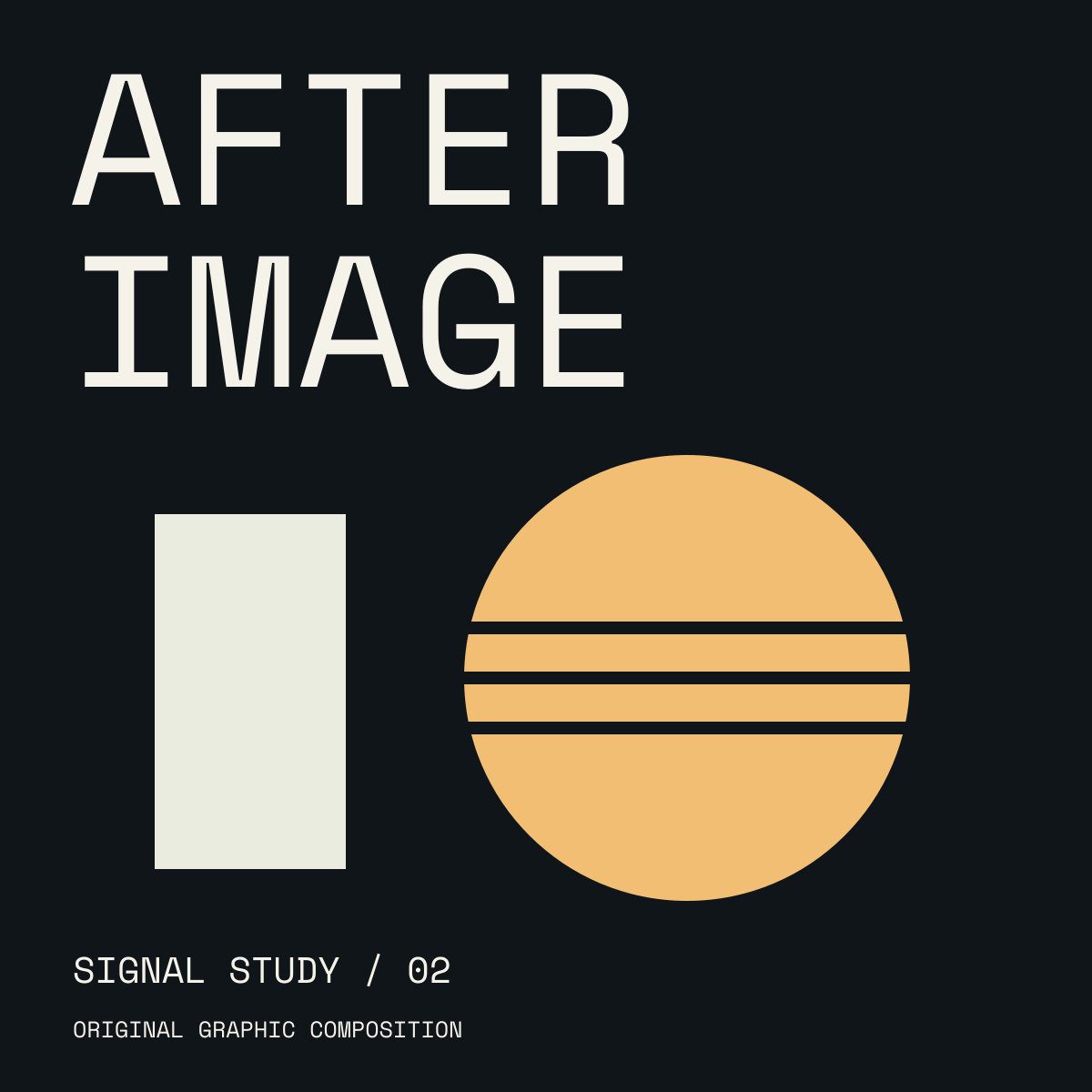
Download the square source PNG
(1200 × 1200). The AFTER IMAGE lettering, pale rectangle, and amber circle make it easy to compare color, shape, and alignment. For your own cover, prepare the lettering and layout before importing the flattened image.

Open Block Displacement, choose the source, and expand its controls in Active FX. Turn Animate: Block Displacement off and keep playback paused at time 0. The effect guide explains the controls and current defaults.
Move patches while keeping the subject visible
For the illustrated treatment, use:
- Displacement: 4.50%
- Coverage: 0.25
- Block size: 7.00%
- Seed: 37
- Mix: 100%

Look at the edge of the amber circle and the horizontal bars through it. Some rectangular regions sample a shifted part of the image; other areas stay aligned. Detail can survive inside each patch. These are rendered patches, not editable image layers.
Keep Seed at 37 while comparing Coverage and Displacement. Lower Coverage if too much lettering breaks up. Change Seed afterward to explore another arrangement without changing the patch scale.
Add texture after displacement
Add Digital Noise after Block Displacement and turn Animate: Digital Noise off. Keep time at 0 and use:
- Strength: 0.12
- Chroma: 0.25
- Noise scale: 1.20%
- Banding: 0.35
- Seed: 37
- Mix: 100%
- Refresh rate: 24 Hz (the pattern stays still while playback is paused)

Stage 2 — Digital Noise added after Block Displacement, with Strength 0.12 and Chroma 0.25.
The dark background now shows a coarse texture while the main shapes remain readable. Bypass Digital Noise to separate the texture change from the patch movement. Lower Strength if the noise competes with the title. Digital Noise’s refresh rate controls pattern updates during playback; it is not the export frame rate.
Judge the cover at its display size
Use Quick Export to save a still. Inspect the exported cover both large and as a thumbnail. Our small supporting line is more vulnerable to the treatment than the large title and circle: reduce Coverage or enlarge essential type in the source if it becomes hard to read.
Try the cover recipe. For flatter, compression-style blocks, compare the Macroblock guide. For colored edge separation, use the same-source comparison.
How this example was made
The source graphics were made for these exercises with AI assistance and Space Mono lettering. The treatments shown are actual Glitch demo exports, captured with animation off and playback paused at the start. Settings describe these examples, not permanent defaults; rendering can vary by device.
Make something unexpected
Keep exploring in Artfkt.
Bring all collections and multiple image layers together in one Mac studio. Build a look, shape its motion, and save your next starting point.